


What the WMS does
One system for the office and the warehouse floor, from the order that comes in to the parcel that goes out.
Orders
- Orders from every channel in one list, grouped into work queues such as new today and awaiting shipment.
- Everything about an order on one screen: totals, customer, contents and history.
- Change the status, generate the invoice, create the shipment and get the tracking code.
Picking and packing
- Gather one or several orders onto a picking list.
- Pickers work rack by rack with a handheld scanner, one line at a time: where to go, what to take, how many.
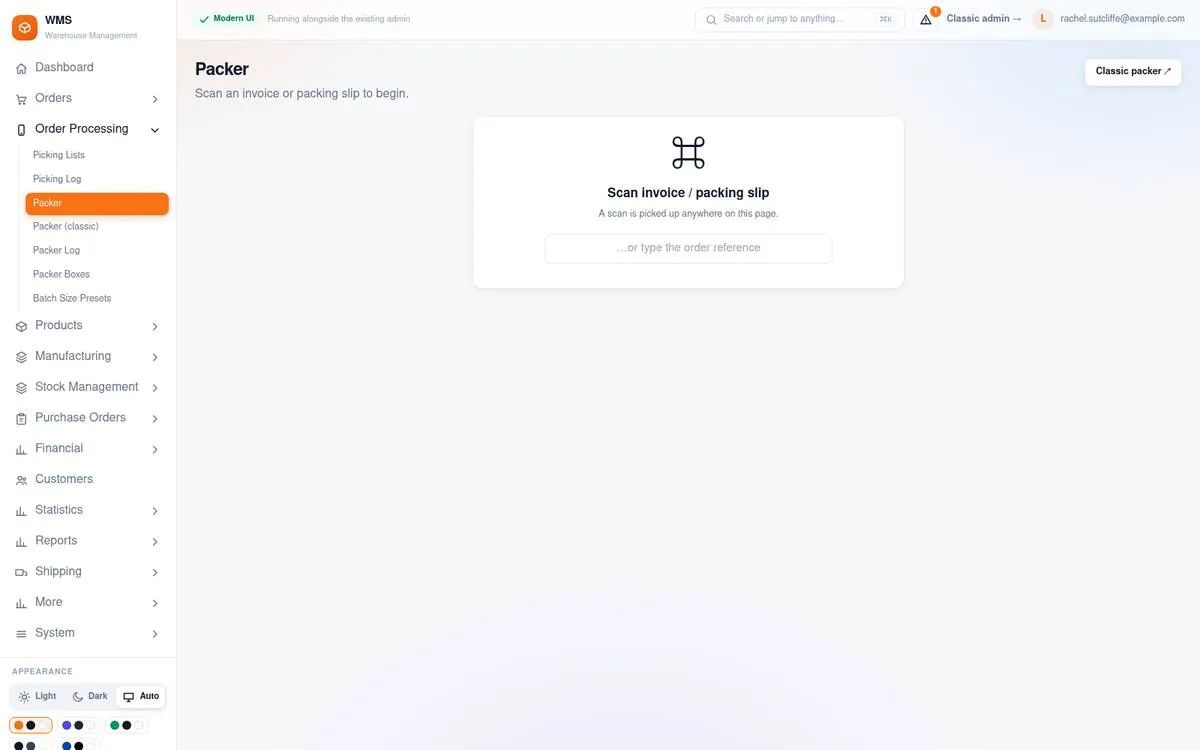
- At the packing bench, scan the packing slip, then each item into the box. The goods are checked against the order as they are packed.
- Every scan is logged with the person who made it.
Stock and locations
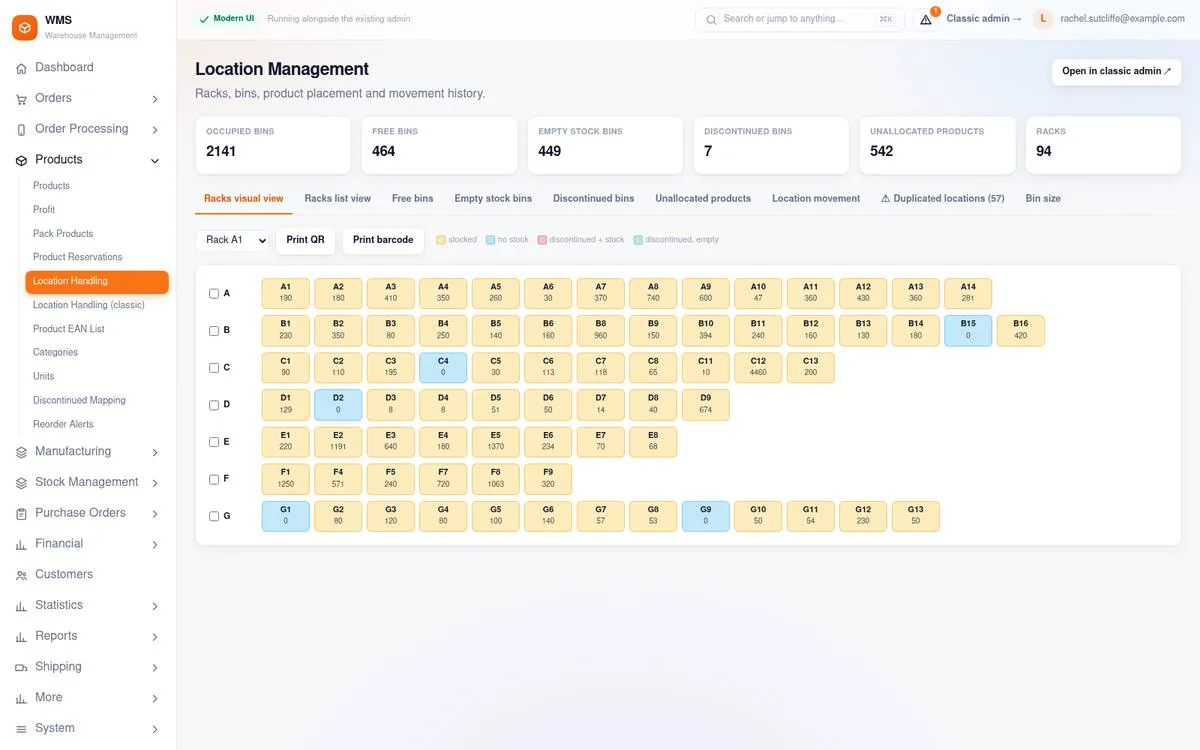
- Racks and bins, with a visual map of what is stored where.
- Stocktakes rack by rack; differences are reviewed, then approved or declined.
- Scan a barcode to find the product and its bin, and attach an unknown barcode to the right product on the spot.
- Every stock movement records its reason.
Purchasing
- Recommended stock levels show what is running low.
- Choose a supplier and the system proposes what to buy.
- Receive the delivery with the intake scanner and put the goods away into bins.
- Every goods-in is recorded with the user and the invoice number.
Manufacturing
- Recipes (blueprints) with versions: what each finished product is made of.
- Raw materials and packaging with their own stock, batches and locations, used first in, first out.
- A production order reserves the parts, uses them up when production starts and adds the finished goods to stock.
- Also handles production at a contract manufacturer.
Statistics, team and assistant
- Sales, products, customers, categories, stock value and profit on one statistics screen.
- Roles decide who sees which screens, and every action is recorded against the person who made it.
- An AI assistant answers questions about products, stock, orders and statistics, and drafts sales and purchase orders that run only after you approve them.
Connected to the services you already use
Sales channels
- PrestaShop
- WooCommerce
- Shopify
- eMAG
- Trendyol
- Allegro
Orders arrive automatically, and statuses, stock and prices are sent back where the channel allows it.
Couriers
- DPD
- GLS
- Cargus
- FAN Courier
- Sameday
Create the shipment and print the label from the order; the tracking code is stored on the order. Cash on delivery and multi-parcel shipments are supported, and labels can be created automatically when an order reaches a status you choose.
Invoicing and accounting
- SmartBill
- FGO
- Xero
SmartBill and FGO issue the invoice for an order by hand or automatically at a chosen status, with the number and link stored on the order. Xero receives orders as invoices for your bookkeeping.
Who it is for
Online sellers who store and ship their own goods and sell in more than one place. When your own shop and the marketplaces all take orders from the same shelves, the WMS keeps one stock figure and one daily routine for all of them.
- Businesses selling through their own shop and marketplaces at the same time
- Warehouses that pick and pack with barcode scanners
- Wholesale and B2B sellers who buy from many suppliers
- Businesses that make some of what they sell, from their own raw materials and packaging
- Sellers in Romania and the wider region, with local couriers, invoicing services and marketplaces
How to start
1. Request a demo
Tell us where you sell, how many orders you ship and which couriers and invoicing service you use.
2. See it on a working system
We walk you through a normal day, from the order that comes in to the parcel that goes out, and answer your questions.
3. Plan your setup
Together we decide which channels, couriers and invoicing to connect, and which roles your team needs.
Built by PrestaChamps, the team behind 20 years of PrestaShop work: modules, upgrades, speed optimisation and maintenance. About PrestaChamps