


As a website owner, you may have encountered the “Crawled – currently not indexed” error in Google Search Console, and it's frustrating to see your hard work not appearing in search results. Understanding this issue and knowing how to fix it is crucial for your site's visibility and performance.
What Does "Crawled - Currently Not Indexed" Mean?
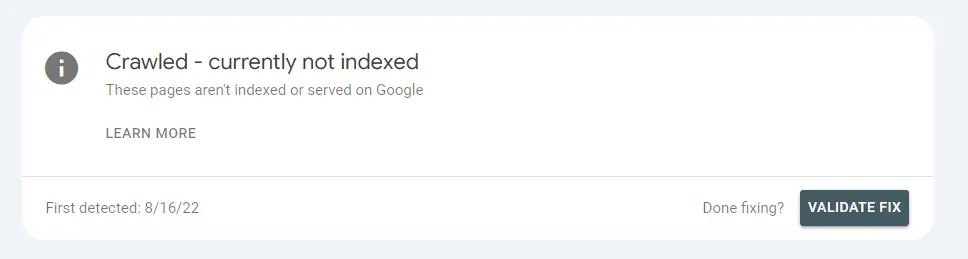
This error means that Google has crawled your page but has chosen not to index it in its search results. While your content is accessible to Google, it hasn't deemed it worthy to appear in searches yet. This can happen for various reasons, including content quality issues, lack of internal links, or even technical problems on your site.
Why Does the Error Occur?
Several factors could cause Google to crawl your page but then decide not to index it. One of the most common reasons is content quality. Google might determine that your page doesn't offer enough unique or helpful content compared to other pages on your site. As Google's Gary Illyes has pointed out, when their systems evaluate content, pages that don’t meet their quality thresholds are less likely to be indexed, especially if there's competition for crawl budget (Search Engine Journal).
Another reason might be technical issues like missing metadata, improperly implemented canonical tags, or broken internal links. These can prevent Google from properly understanding and ranking your page.
Here are some more common reasons why Google might crawl but not index your page:
- Noindex Tag: If your page has a noindex meta tag in its HTML code, you are explicitly telling Google not to index the page, even though it can still crawl it.
- Page Speed and Performance Issues: Pages that load very slowly or have performance issues may be crawled but not indexed, as Google prioritizes fast and well-performing pages in its index.
- Duplicate or Similar Content: If the page has very similar content to other pages on your site (or elsewhere on the web), Google might crawl it but not index it to avoid redundancy in search results.
Steps to Fix the Error
Here are some practical steps to address the "Crawled – Currently Not Indexed" error:
-
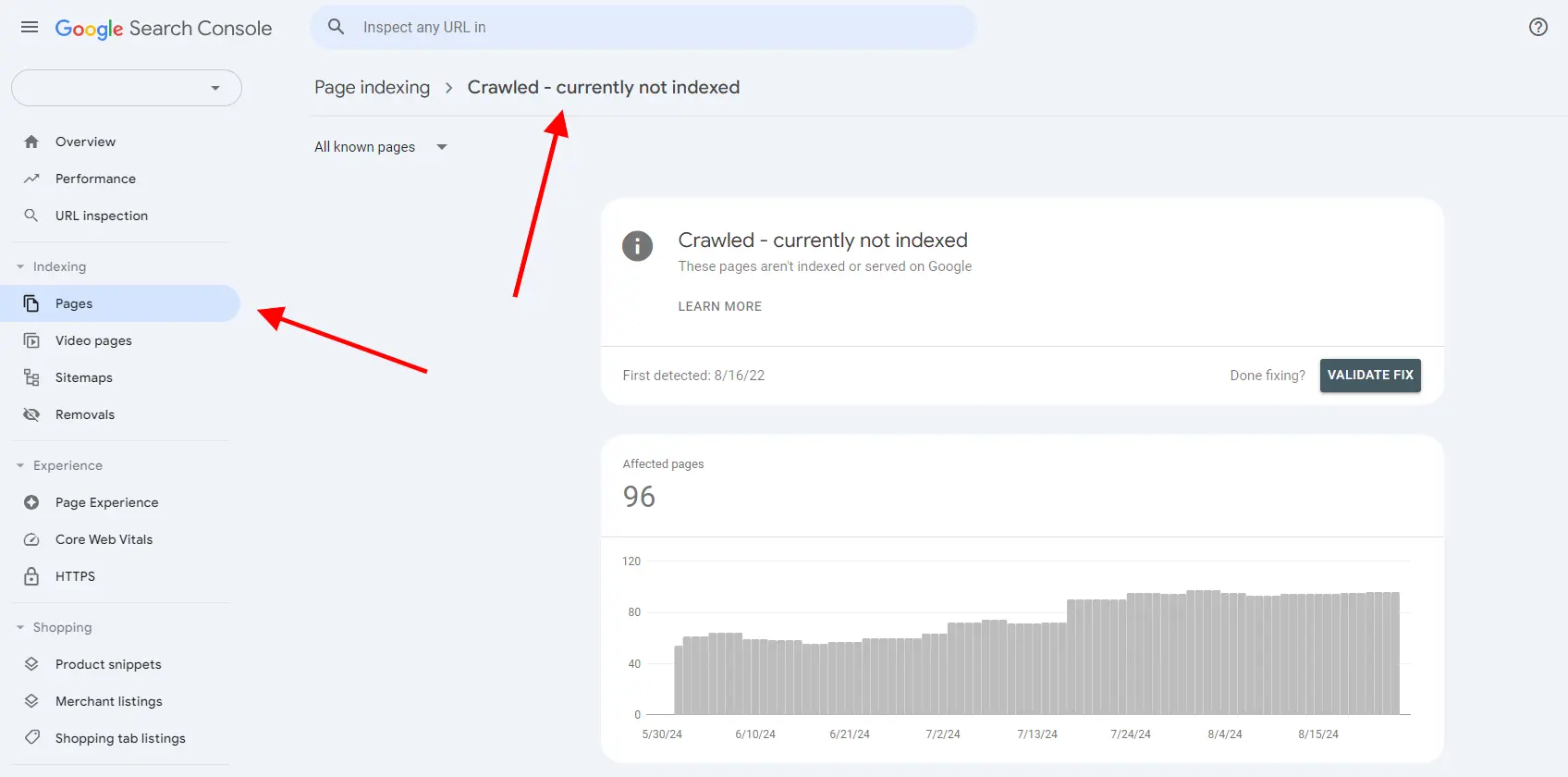
1. Review the Affected Pages: Start by manually reviewing the pages listed in the Google Search Console report. Identify patterns that could indicate broader issues, such as URL structures or duplicate content. Look for any trends in the pages being affected, which can help you pinpoint the root cause (Search Engine Land).
-
2. Improve Content Quality: One of the simplest yet most effective fixes is to enhance the content on these pages. Ensure that your content is unique, engaging, and provides value to users. Website owners should focus on product descriptions, customer reviews, and blog posts that are informative and well-structured. Avoid thin or duplicate content, as this can lower your chances of being indexed.
-
3. Check Internal Links: Ensure that your pages are well-linked within your site. Pages with few or no internal links (also known as orphan pages) are less likely to be crawled and indexed. Conduct an internal link audit to see if any important pages are missing links, and make sure to update your linking structure accordingly (Search Engine Land).
-
4. Fix Technical Issues: Double-check your technical setup. This includes validating that your XML sitemap is up-to-date and that all the critical pages are included. Check for correct implementation of canonical and hreflang tags, and ensure that your metadata is properly set up. These small technical tweaks can make a big difference in how Google sees your pages.
-
5. Manually Submit Pages: After fixing the issues, use Google Search Console's URL Inspection Tool to manually request indexing for your improved pages. This helps to get Google's attention on your updates, though it's important to note that manual submission doesn't guarantee immediate indexing.
Final Thoughts: Stay Proactive
Unfortunately, fixing the "Crawled – Currently Not Indexed" error isn't always instant. After making improvements, you'll need to monitor your Google Search Console reports over time. Google may take a while to recrawl and reevaluate your pages. Keeping your content fresh and maintaining a solid technical foundation will increase your chances of staying indexed in the long run.
By focusing on creating valuable content and ensuring your technical setup is clean, you can prevent this issue from becoming a recurring headache. Remember, content quality and technical optimization go hand in hand when it comes to getting and keeping your pages indexed in Google
Author

Written by: Evelin-Valéria Székely
About me: With years of experience in the dynamic field of marketing, I specialize in leveraging Google Ads to seamlessly fuse creativity with data-driven insights, ultimately propelling brands to new heights. As a devoted Google Ads specialist, ensuring precise tracking is a non-negotiable priority for me. Staying ahead in the ever-evolving landscape of successful advertising demands continuous learning and adaptation to cutting-edge innovations, like the game-changing feature detailed in this blog. My commitment to staying informed about emerging technologies and features underscores my dedication to delivering optimal results for our clients.